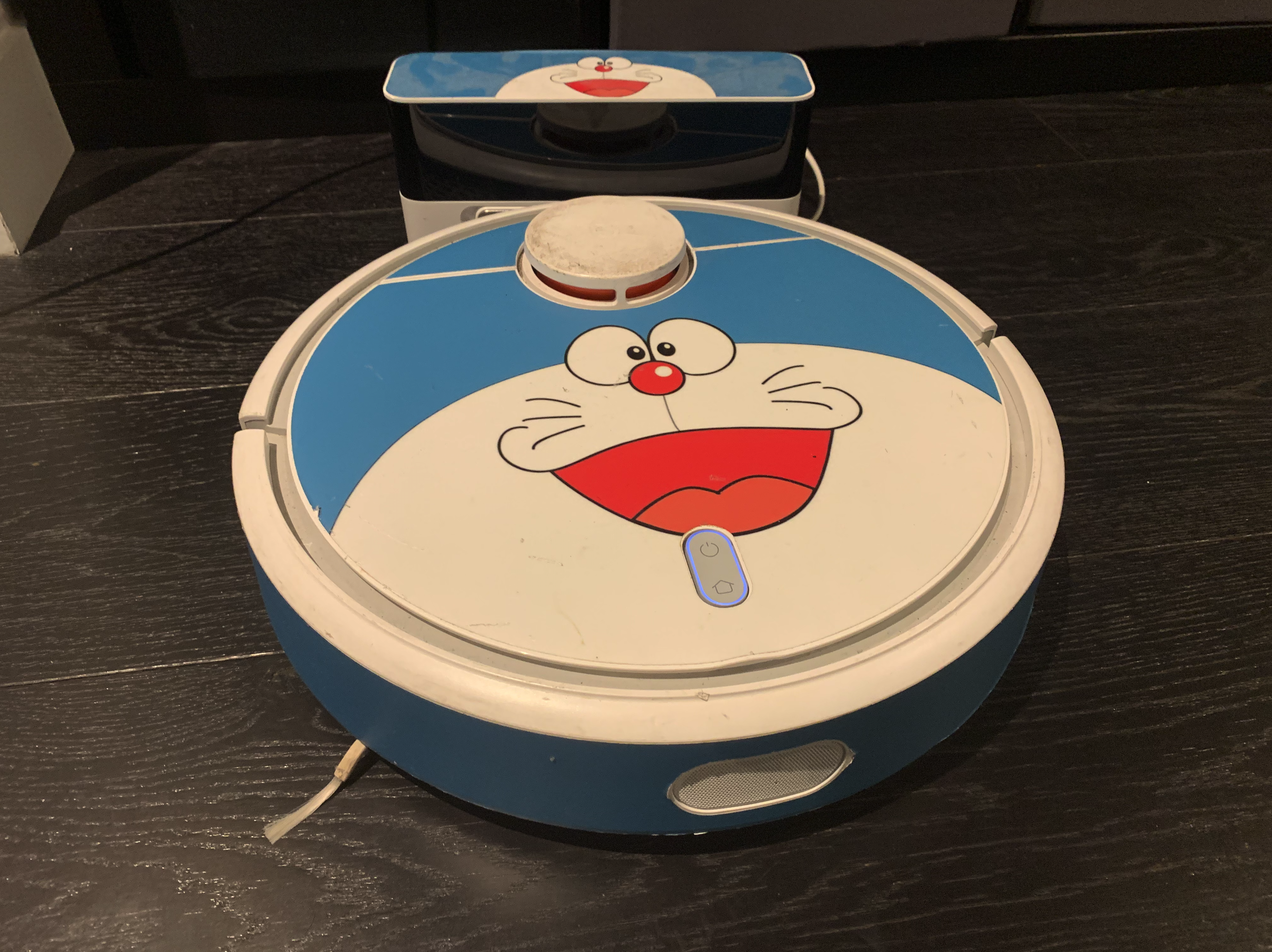
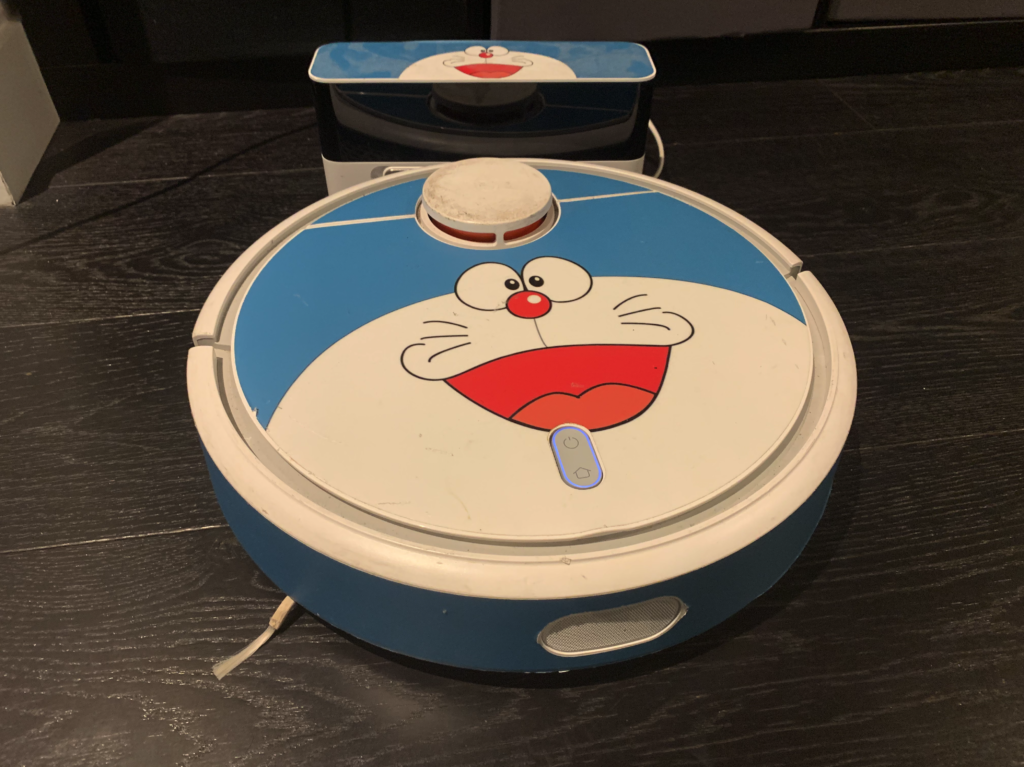
So this, is my vacuum cleaner. As you can see, I’ve added a bit of flourish to Doraemon. He’s an excellent house companion – getting to work at precisely 7:30 in the morning, and doing the entire apartment and nicely getting back to his spot. Every now and then he does get tangled on some random wires I dropped, but otherwise, he gets the job done and and a darn good job of it too.
I’ve also already set my lamp to turn on at 7:30 am and a Google Home to wake me up at 7:30. And my Fitbit also to buzz at 7:30.
At this point you can guess that I tend to wake up at 7:30am.
You may also be aware of other Bots like good old Siri. Ah yes, well, she’s growing a little old in the tooth now, compared to the new kids on the block like Alexa who can pretty much replace your babysitter in engaging the kids, or Google (aka Google?.. I was trying to think of more human name).
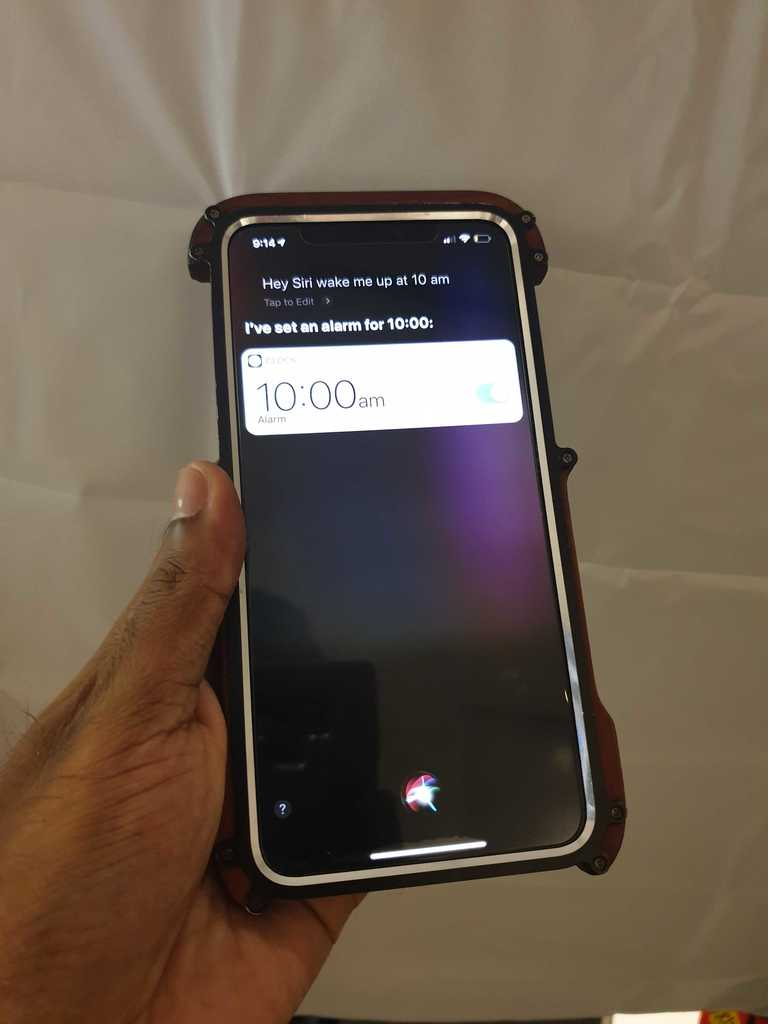
We’re still at an early stage where really, we’re just putting names on various flavours of automation. We set the rules, or the parameters of engagement and the bots (hardware and software), do as they are asked.
Wait is Automation, AI?
If you look at where AI is right now – the ‘truest’ form of machine learning that in 2019 we could still get away with calling AI, is in the cosy arms of large technology companies which have the volume of data enough to ‘teach’ the system and scale the learning to something else.
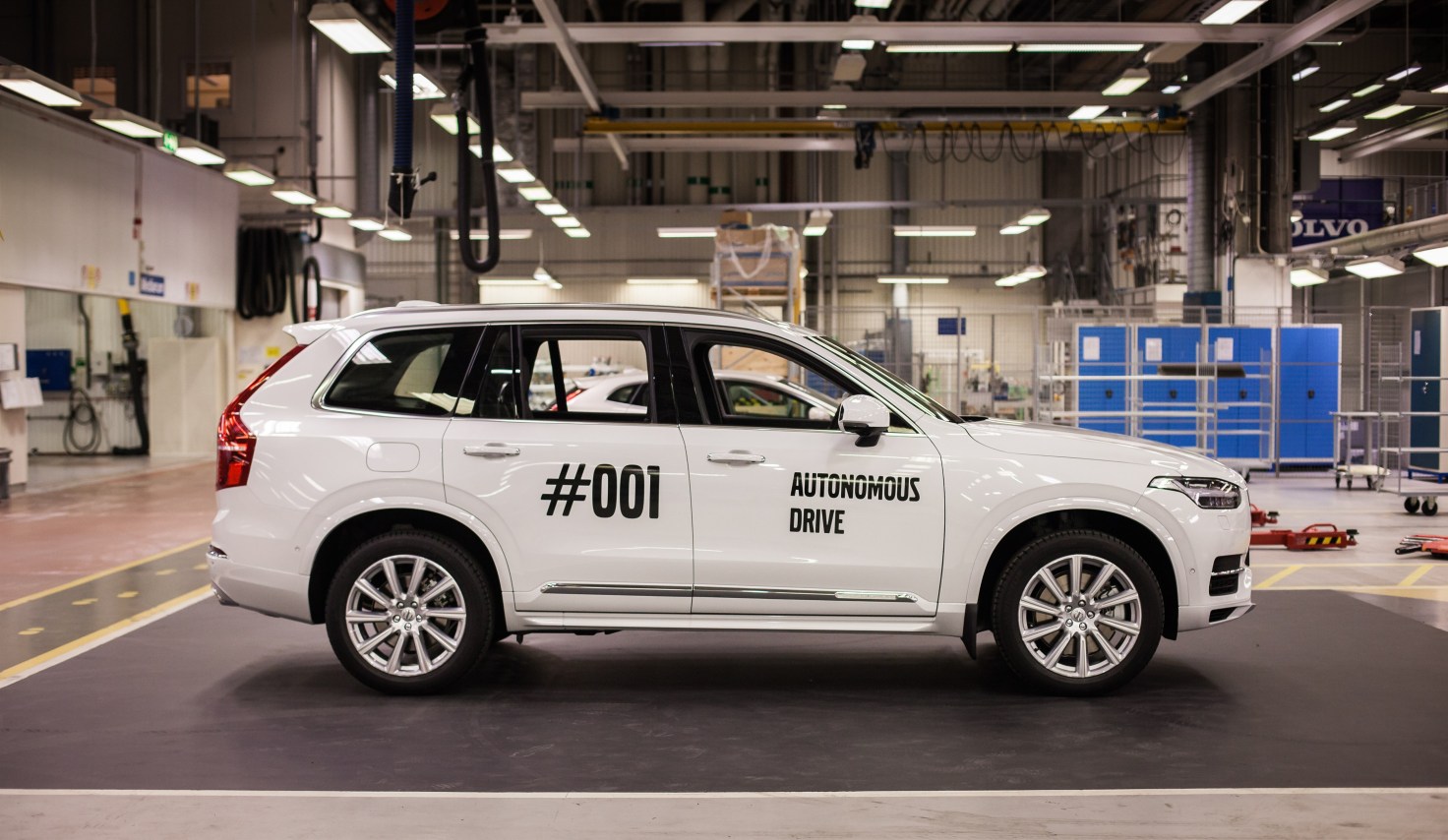
For example, self driving cars require a tremendous amount of data. In fact, why don’t you go ahead and pat your back here, because you’re also help helping train the ‘brain’ of self driving systems (particularly the one by google)
Most of the automations and what dear marketers call Smart, is just a set of if->then conditions, like if temperature of room is >40C, turn on AC. Works great, no arguments there. We’re now taking this about a million levels (which actually isn’t a lot) to get to the point where we can ask a program to look at a photo and tell us whether its a traffic light or a bus.
So really, I’m not talking about AI today, but of tomorrow. We’re getting there. The ‘there’ is what is most interesting.
AI for One
As AI stands now, we are just entering into an era where the computing power required to do this level of machine learning can now be done on a mobile phone. Remember, the amount of training data itself took Gigabytes, Petabytes, exabytes of storage (imagine at least a closet to a massive shopping mall), and the processing took a couple of horses to an army (yep, just stick with that visual), and now that all can be done on 1 chocolate bar sized device called your smartphone. This will lead to more interesting use cases and business models.
Here are a couple of random ideas:
Privacy AI
In the real world, if you are rich, famous, or crazy enough, you’ll probably have security guards who are hired to keep the masses a good couple of meters away from you at minimum, and also plan and defuse any wider threats. The online world is going to get more and more turbulent, from all the apps that we use, browsing, and new VR/AR experiences that we are exposed to.
Imagine then, a self teaching, always learning PrivacyGuard AI that knows you intimately and actively takes steps to prevent you from being exposed to online threats, or anything that is out of the ordinary for you. Think of it as a more advanced watch dog rather, someone who will growl when they don’t know you but will ease up when seeing positive interaction.
For example, getting spam calls – the AI will listen in, and block those (like email spam filters). Much of the logic for this may be written by humans initially, but as features become more standardised, any new form of communication can be monitored, tracked, learnt and safeguarded. After all, everything is bits, bytes, words and pictures.
Learning AI
This AI takes the form of a virtual teacher that is assigned to you at your first class in school, and that already has information about you from your birth (your Privacy Bot has approved this interaction), and from then on, your Learning Bot knows exactly how you learn, what you like, what you don’t like.
Your persona (fully anonymised, come on), is compared directly with the growth pattern of a child in Norway, Australia, China and how you learn gets real time feedback on how to maximise learning.
If this sounds like shoving data and tests into your Childs mouths, nope – LeanAI knows when to let up. After all, it has the data of a few million other people over a decade of growth.
Citizen AI
Democracy is tough. Like how do we pick 1 person who is the best to lead, and then the hundred or so to help lead the country, etc. Every single bill, law, would have so many nuances, that well, that’s why politics is a full time job right.
Now consider the scenario, that we can train a person, a replica of our beliefs, values, along with life experiences and lessons that we’ve picked up. This Citizen AI would then go through all the bills and let the government system know what your opinion would be. A poll may submit feedback directly, while a formal referendum could require human confirmation.
When elections come up, your CitizenAI would give you the final say with an informed feedback. This could reduce a hot topic from a binary Stay/Leave based on emotion to a multivariate analysis that tells you that ‘you’ would be 60% happy with a Yes.
Who watches the Watchers?

The thing with AI is that at the heart of it, it is data and logic. And though at the moment we struggle with the advanced logic of a self generated machine learning system, we can estimate at least based on the training data of what the generated logic should do.
As systems get more advanced, much like interviewing your security guard before you hire him, we will want to have more transparency around how these bots works. Perhaps with standardised tests (which well, can also be gamed, ahem Dieselgate).
Perhaps then, another AI that we can set the parameters to test, and that system would test the tool AI’s that we want to check before using.
God help us when the AI’s unite.
Fin.
If you liked reading this or you have ideas, or best of all – disagree with anything you’ve read, then please do drop a comment!